


Opera for Android gets new AI upgrades | Infinium-tech
Opera has announced a new AI upgrade for its Android browser, Opera for Android, as it aims to bring its AI capabilities closer to its flagship desktop browser, called Opera One.
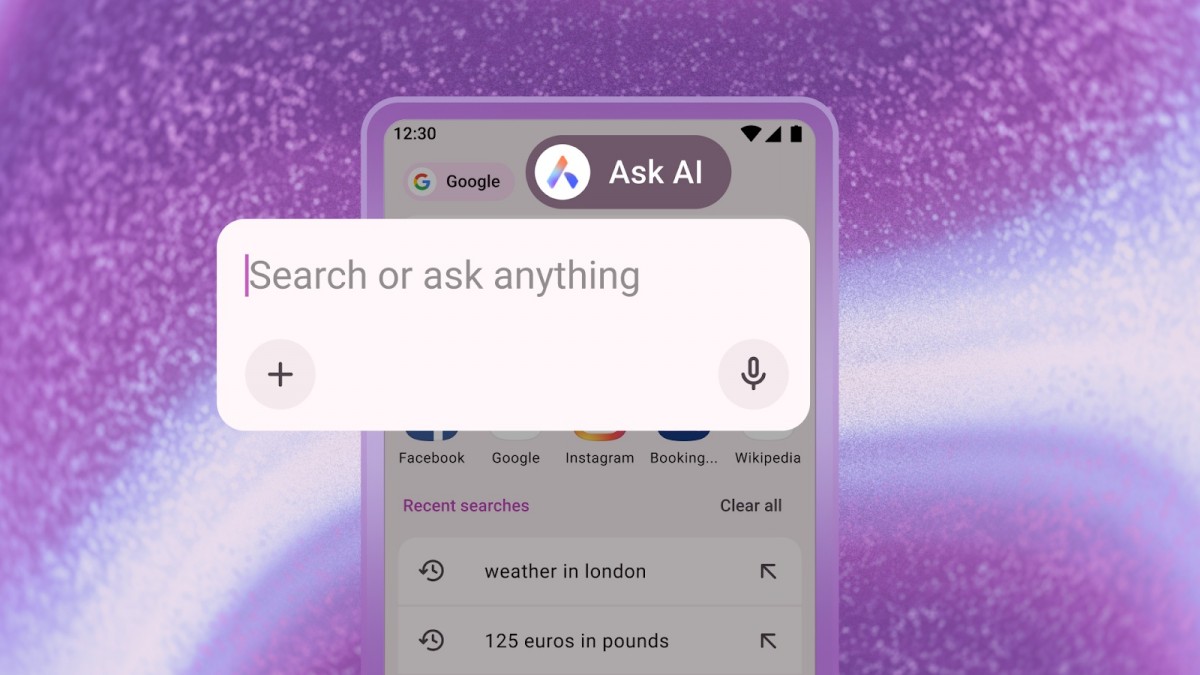
The first is Ask AI, which gets a new access point to all AI questions in the browser. Simply tap on the browser’s search bar and select the “Ask AI” option to open a new search bar. This will allow you to easily switch between traditional web search and AI queries.
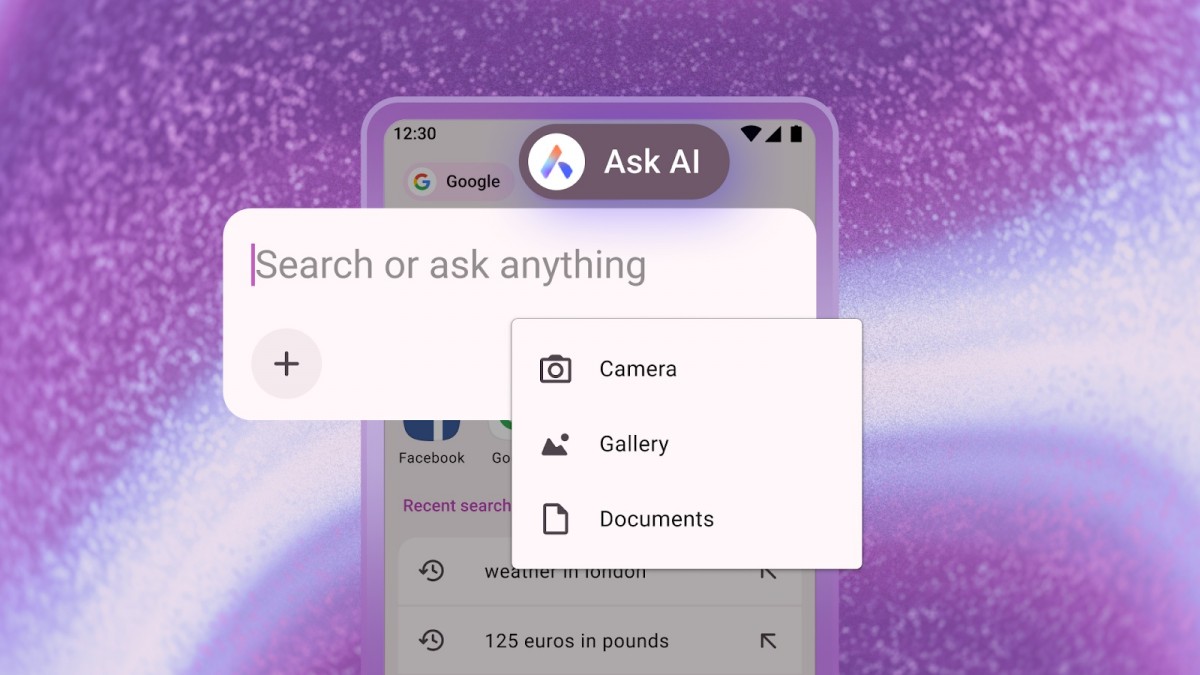
Then there’s the ability to attach files to the new search bar for the AI to translate, summarize, or explain. It includes support for PDF and images. To attach a file, open the Ask AI interface, tap the “+” icon, and select a document or photo from your Android device. You can also click a photo from the device’s camera and upload it directly.
Opera is also making it possible for you to use your current browser tab as a reference for an AI prompt, so you can explain, summarize, or translate the content of a web page with AI. To do this, tap the three dots in the top-right corner of the browser, select the “Ask AI” option, and you’ll see the web page linked to the chat in the search bar to use as a reference for your prompt.
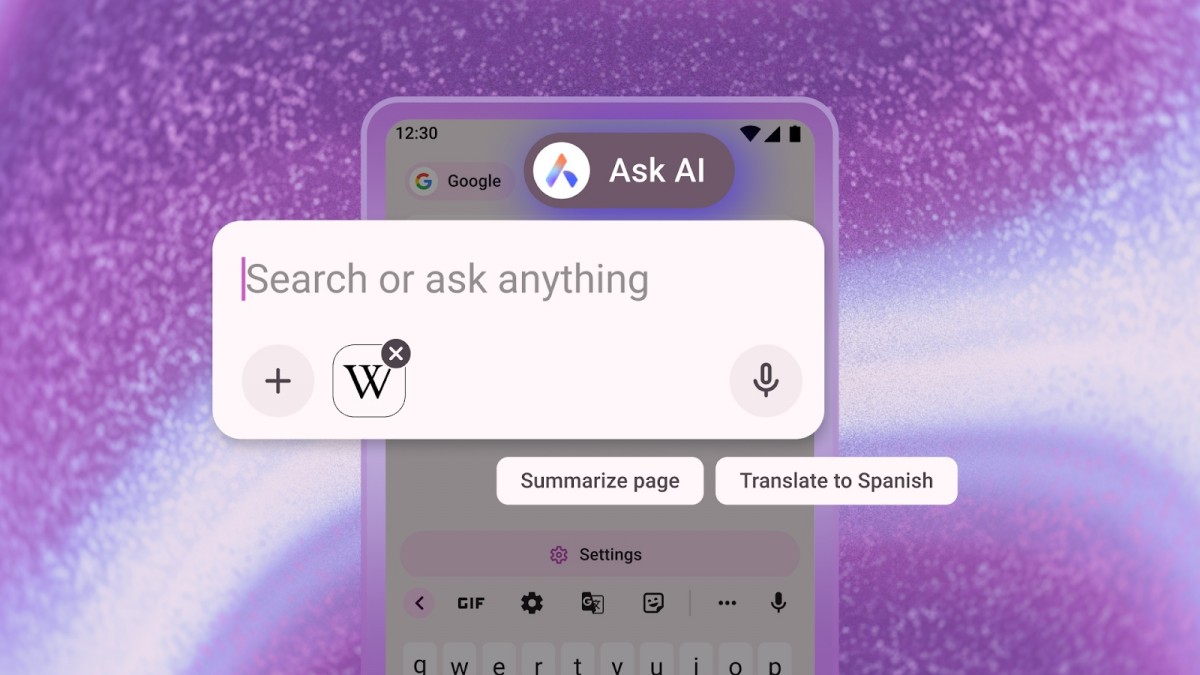
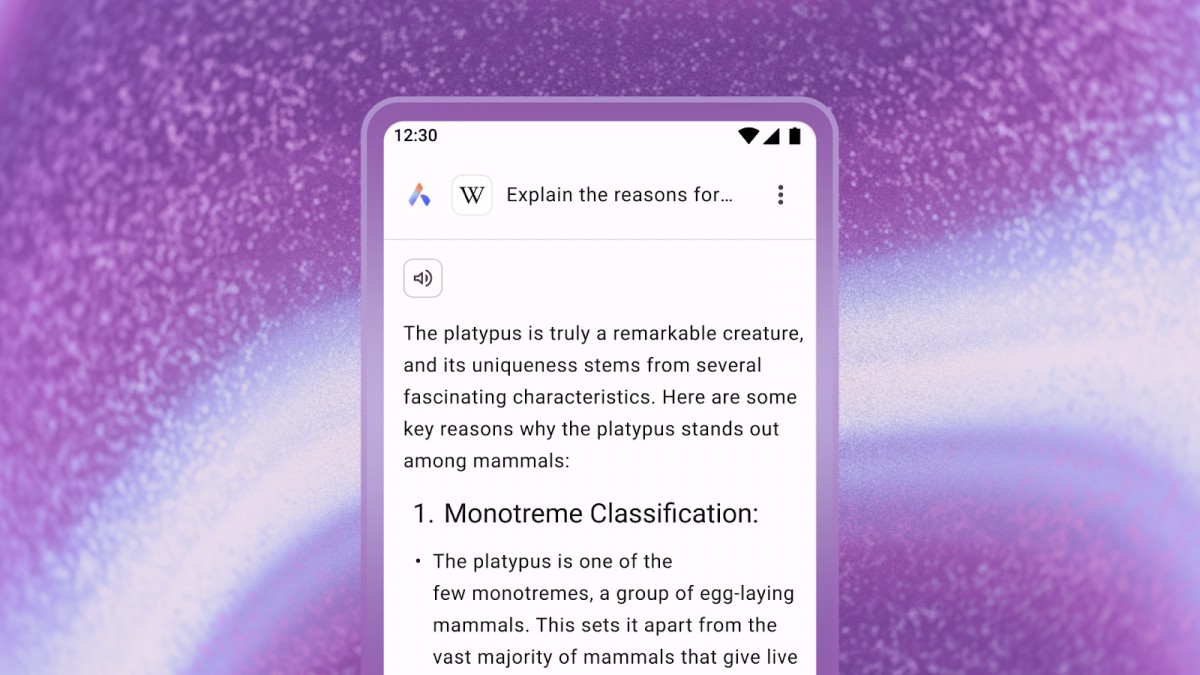
You can ask follow-up questions about web page content by typing your prompts in the search bar.
Opera says it has built privacy guardrails into its browser, so its AI can only understand the context within the active browser tab and can’t access information outside of it.
,Page context data will only be sent to the AI engine when it is necessary to perform the task you requested. Opera AI does not send your browsing activity or history to our AI engine,” Opera said in a communication we received.
,The prompt and page context data is sent to Opera’s servers and AI models that are most relevant to the task you want. This data is encrypted, so no one in Opera can read it. It is stored for 30 days, only to enable continuity of conversations for tasks you return to, and to enable faster processing. It is never used for AI training, advertising or any other purpose. All such data is automatically deleted from the server after 30 days,Opera continued.
These updates are live now, so if you haven’t seen them yet, try updating Opera for Android via the Google Play Store.








Leave a Reply